KoffeeCup · internal tool for Interior Designer · 2026
A data editor that put a game’s content in the whole team’s hands.
A web tool for editing all of Interior Designer’s game data, from furniture and clients to reviews and rooms, with cloud history, conflict handling and a round trip back into the game’s TypeScript code. Built by me, with Claude Code.
- Role
- Developer (built with Claude Code)
- Team
- Me + Claude Code
- Stack
- JavaScript · API on Google Cloud Run · Google sign-in (Identity-Aware Proxy) · Claude Code
01 — THE PROBLEM
Game content shouldn’t need a developer to change.
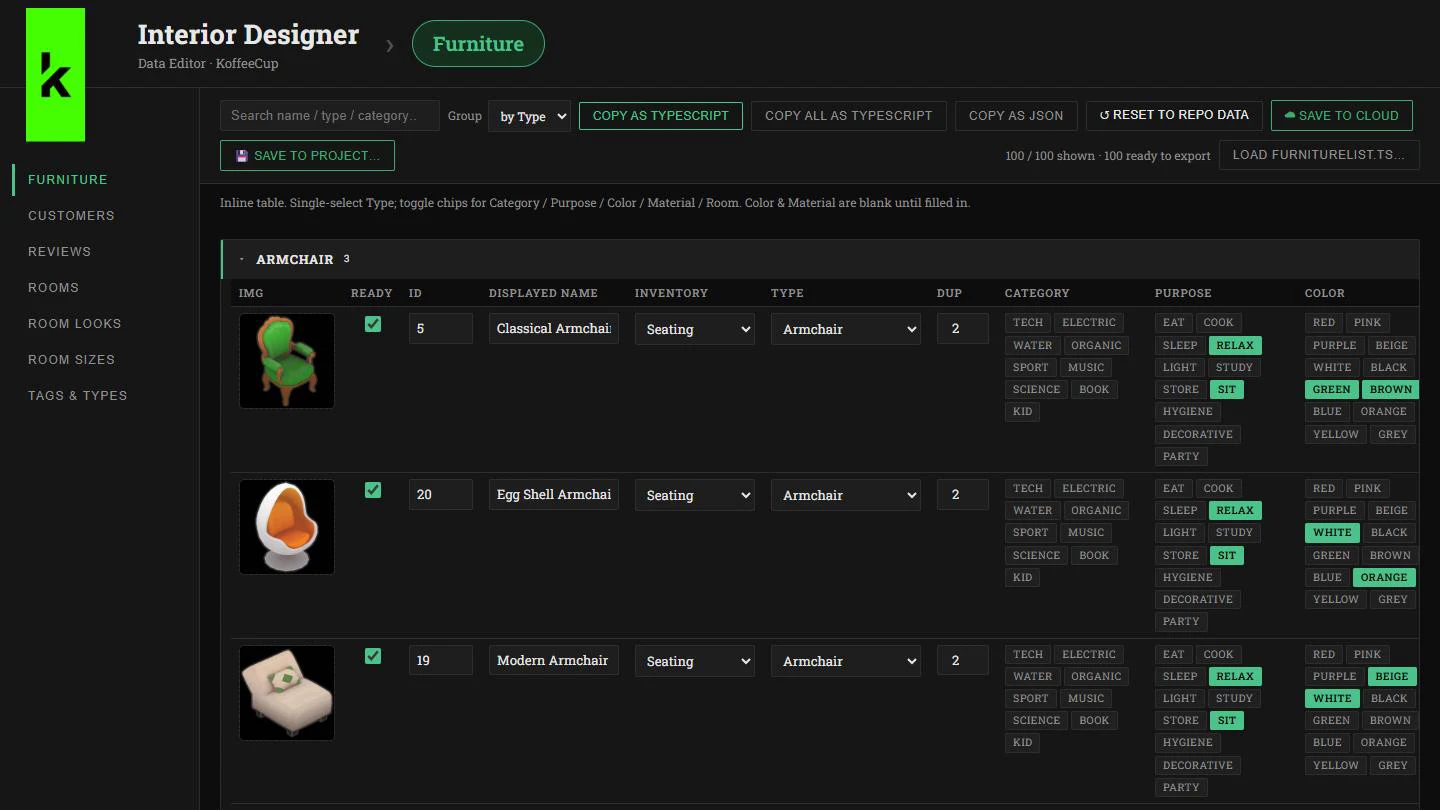
Interior Designer runs on a lot of data: 100 furniture items, 20 clients with their own briefs and scoring rules, a review script for each, and 23 rooms with their looks and sizes. All of it lived in TypeScript files in the game’s code, so every tweak to balance or content meant editing code.
I built a web editor so the whole team can browse, edit and balance that data safely, while the game’s code stays the source of truth. The whole tool was built together with Claude Code.
02 — THE BUILD
Three decisions that made it safe for a whole team.
One editor for every kind of game data
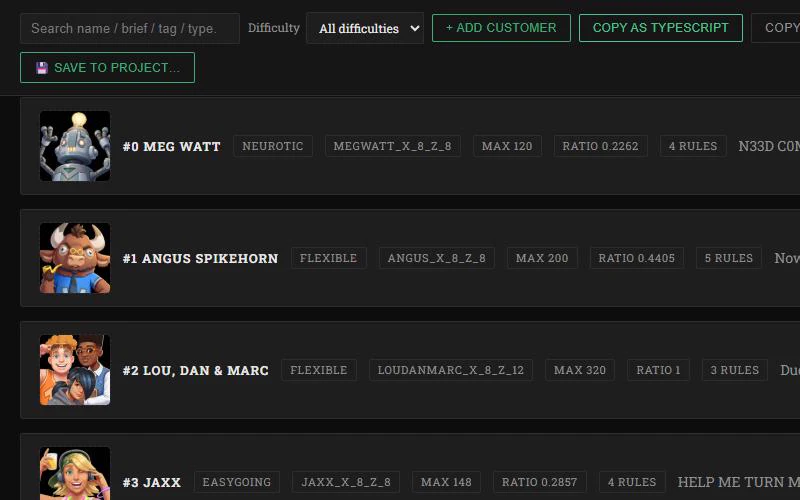
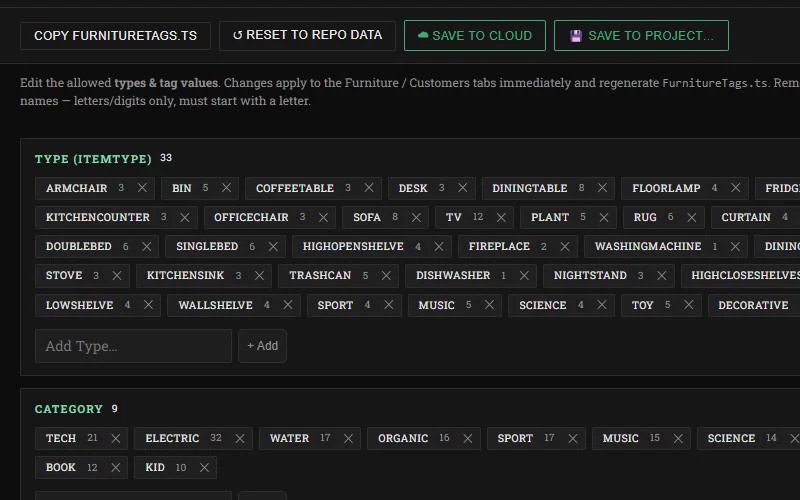
Seven sections cover furniture, customers, reviews, rooms, room looks, room sizes, and a shared vocabulary of types, categories, purposes, colours and materials, so furniture and client rules always speak the same language. Search and grouping make 100 items quick to scan.
A round trip with the codebase
The editor loads the game’s own TypeScript data files, exports back as TypeScript or JSON, saves straight into the project, and can reset to the version in the repo. The code stays the source of truth; the tool just makes it pleasant to change.
Built for collaboration
It runs on Google Cloud Run behind Google sign-in, so only the team can open it. Every section keeps its own cloud history of who saved what and when, checks for new saves every 15 seconds, and when two people edit the same data it lets you keep your version or take the cloud one.
03 — THE IMPACT
- furniture items, each with type, purpose, colour and room
- 100
- clients and review scripts, with scoring rules
- 20
- data sections, each with its own cloud history
- 7